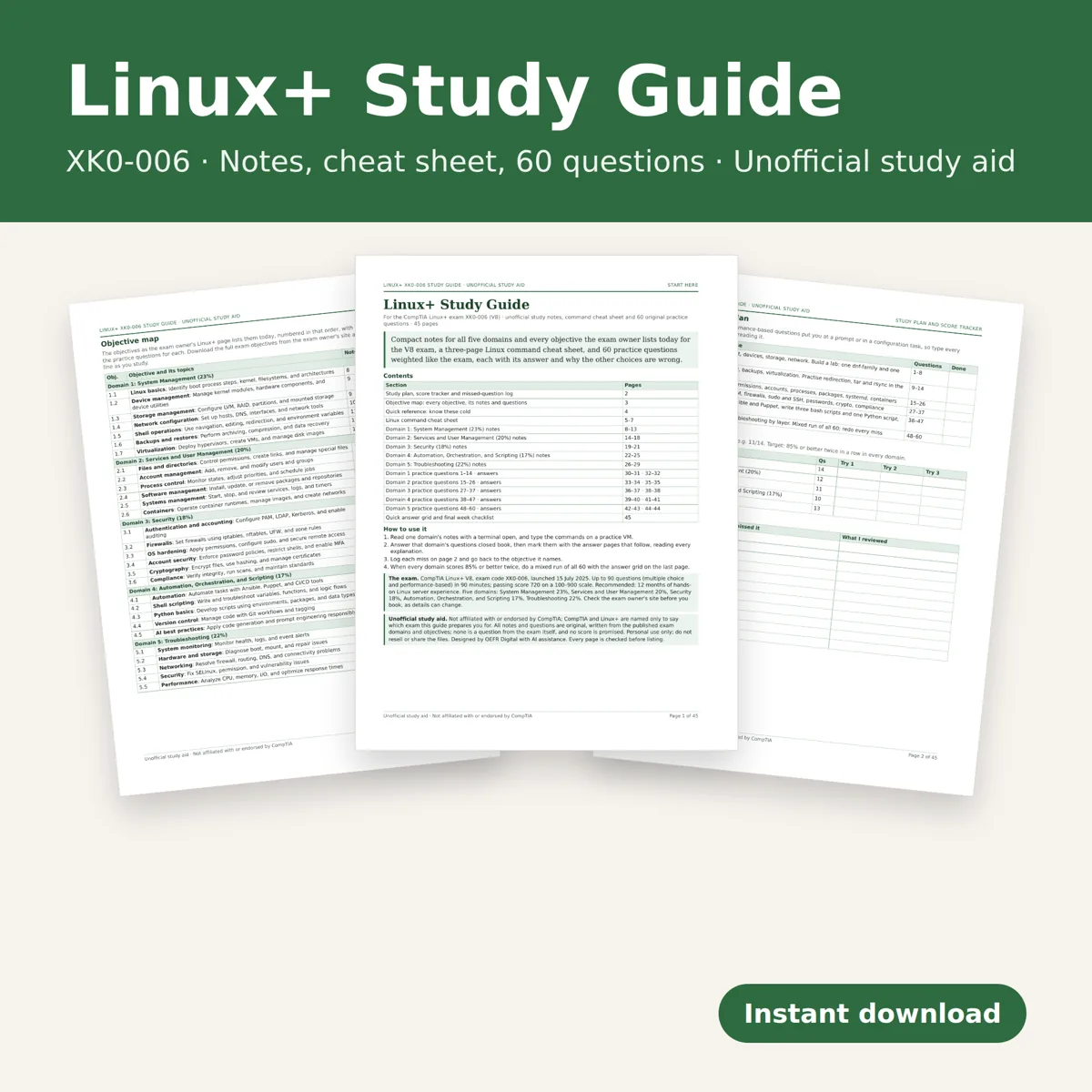
Network Troubleshooting Flowcharts
Network Troubleshooting Flowchart Printable, Layer by Layer Fault Finding Guide, Fault Log Spreadsheet for IT Support and Network Engineers
- 11 layer-by-layer flowcharts
- Symptom index and ping decoder
- Printable fault log + worked example
- 40 practice scenarios with answers
- Spreadsheet log: Excel and Google Sheets
What you get
- network-troubleshooting-flowcharts.zipZIP archive · 505 KB
Inside the download:
- network-troubleshooting-flowcharts-us-letter.pdf26 pages · 316 KB
- network-troubleshooting-flowcharts-a4.pdf26 pages · 316 KB
- network-fault-log.xlsx47 KB
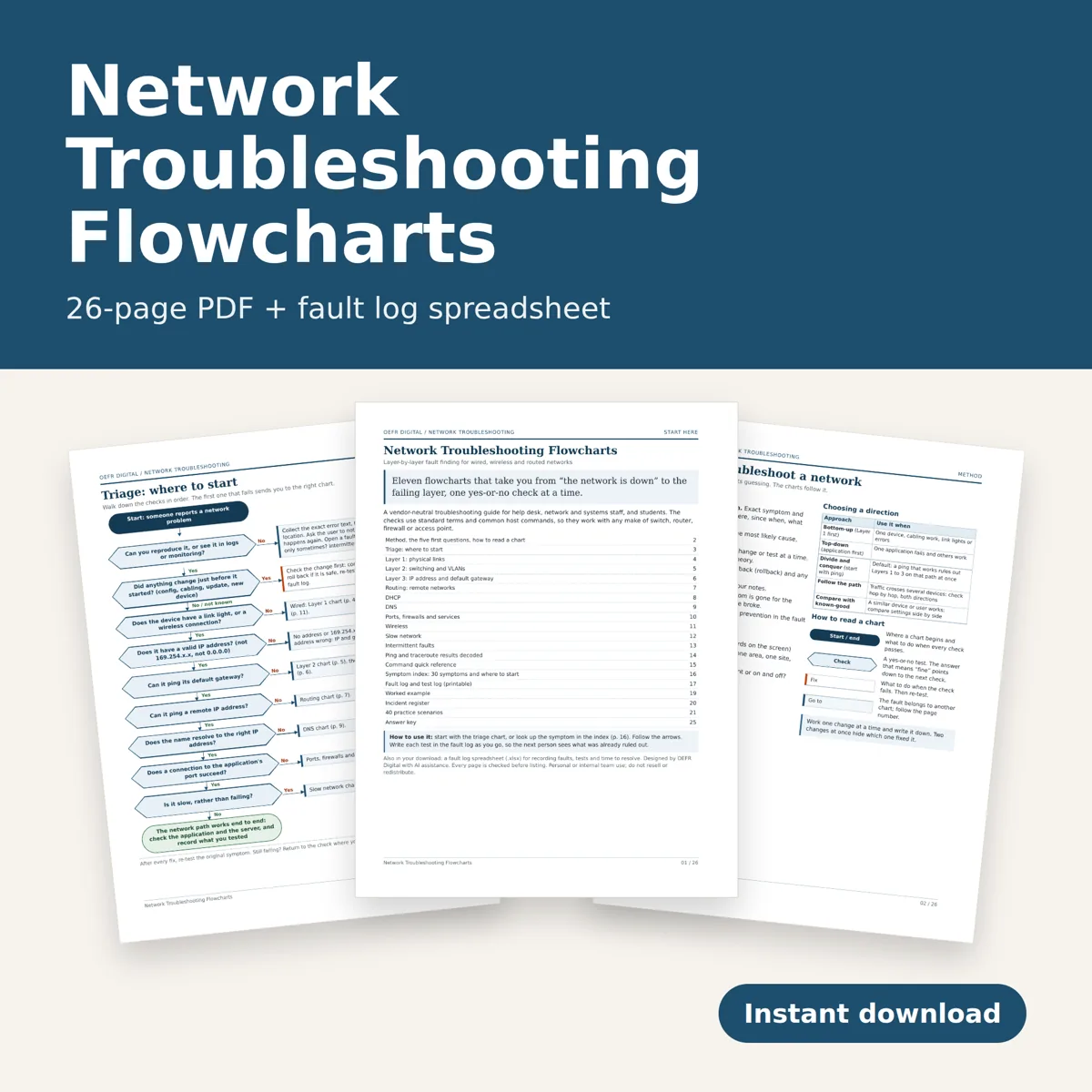
Stop guessing when the network breaks. Eleven printable flowcharts walk you from "it's down" to the failing layer, one yes-or-no check at a time, with the fix for every check that fails.
What you download
One ZIP with three files: the guide as two PDFs (US Letter and A4, 26 pages each, identical content) and a fault log spreadsheet (.xlsx). English. Digital download only; no physical item ships.
The flowcharts (11)
Triage (where to start), Layer 1 physical links (copper, fiber, PoE), Layer 2 switching and VLANs (trunks, native VLAN, spanning tree, loops), Layer 3 IP address and default gateway, routing to remote networks (return path, asymmetric firewalls, MTU), DHCP, DNS, ports, firewalls and services, wireless, slow network, and intermittent faults. Every chart cross-references the others by page number.
Also in the guide
- The troubleshooting method, five first questions, and when to work bottom-up, top-down or divide and conquer - Ping and traceroute messages decoded, with ICMP and ICMPv6 types - Command quick reference for both common families of desktop and server systems, plus what to check on any switch, router or firewall - Symptom index: 30 symptoms and the page to start on - Printable fault log, test log and incident register, plus a filled-in worked example - 40 practice scenarios with an answer key, for students and new team members
The spreadsheet
Faults, Tests, Summary and Guide tabs. Log each fault and every test against its fault ID; minutes to resolve, tests per fault, counts by status, layer and scope calculate themselves, and incomplete rows are flagged. Room for 150 faults and 400 tests. Opens in Excel, Google Sheets and LibreOffice Calc. No macros. Fictional sample rows show how it works.
Who it is for
Help desk and IT support staff, network technicians and engineers, system administrators, and networking students. Vendor-neutral: standard terms and common commands that apply to any make of equipment.
Printing
Use the PDF that matches your paper and print at actual size. Works in grayscale.
General technical guidance; follow your organization's own change and security procedures. Personal or internal team use; do not resell or redistribute the files. Designed by seller.
Designed by OEFR Digital with AI assistance. Every page is checked before listing.
Designed by OEFR Digital with AI assistance. Every page is checked before listing.