Quarterly Estimated Tax Payment Tracker
Quarterly Estimated Tax Tracker Spreadsheet and Printable, Estimated Tax Payment Log with Due Dates and Confirmation Numbers
- Due dates and status per quarter
- Payment log with confirmation numbers
- Federal, state and local side by side
- Tax savings balance
- Printable pages included
What you get
- quarterly-estimated-tax-payment-tracker.zipZIP archive · 167 KB
Inside the download:
- quarterly-estimated-tax-payment-tracker-us-letter.pdf9 pages · 69 KB
- quarterly-estimated-tax-payment-tracker-a4.pdf9 pages · 69 KB
- quarterly-estimated-tax-tracker.xlsx53 KB
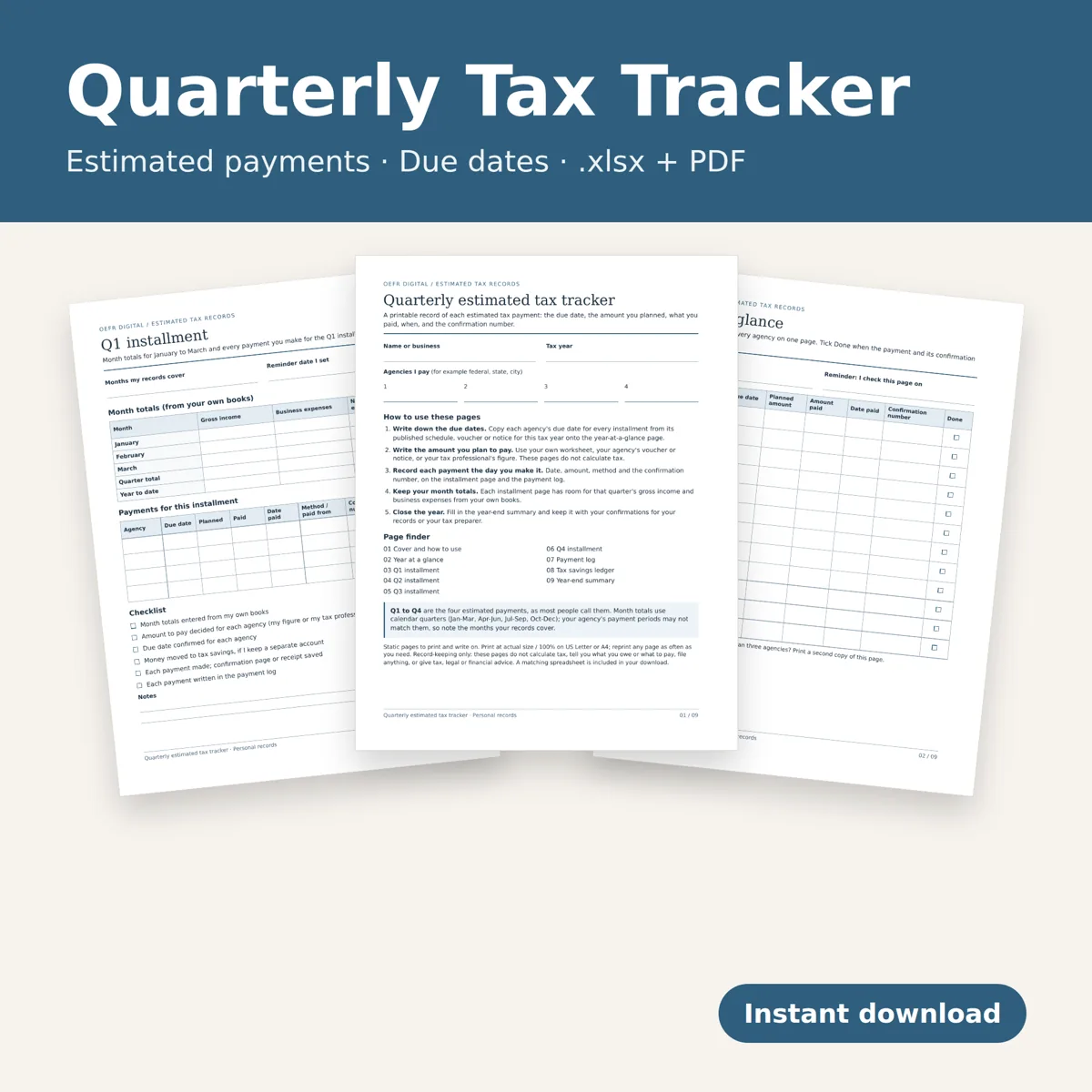
Keep every quarterly estimated tax payment in one place: the due dates you pay to, the amount you plan to pay, what you actually paid and when, and the confirmation number. Federal, state and local agencies sit side by side, so nothing slips between quarters.
What you download
One ZIP with three files: an editable spreadsheet (.xlsx) and a printable version as two PDFs (US Letter and A4, 9 pages each, identical content). English. Instant digital download; no physical item ships.
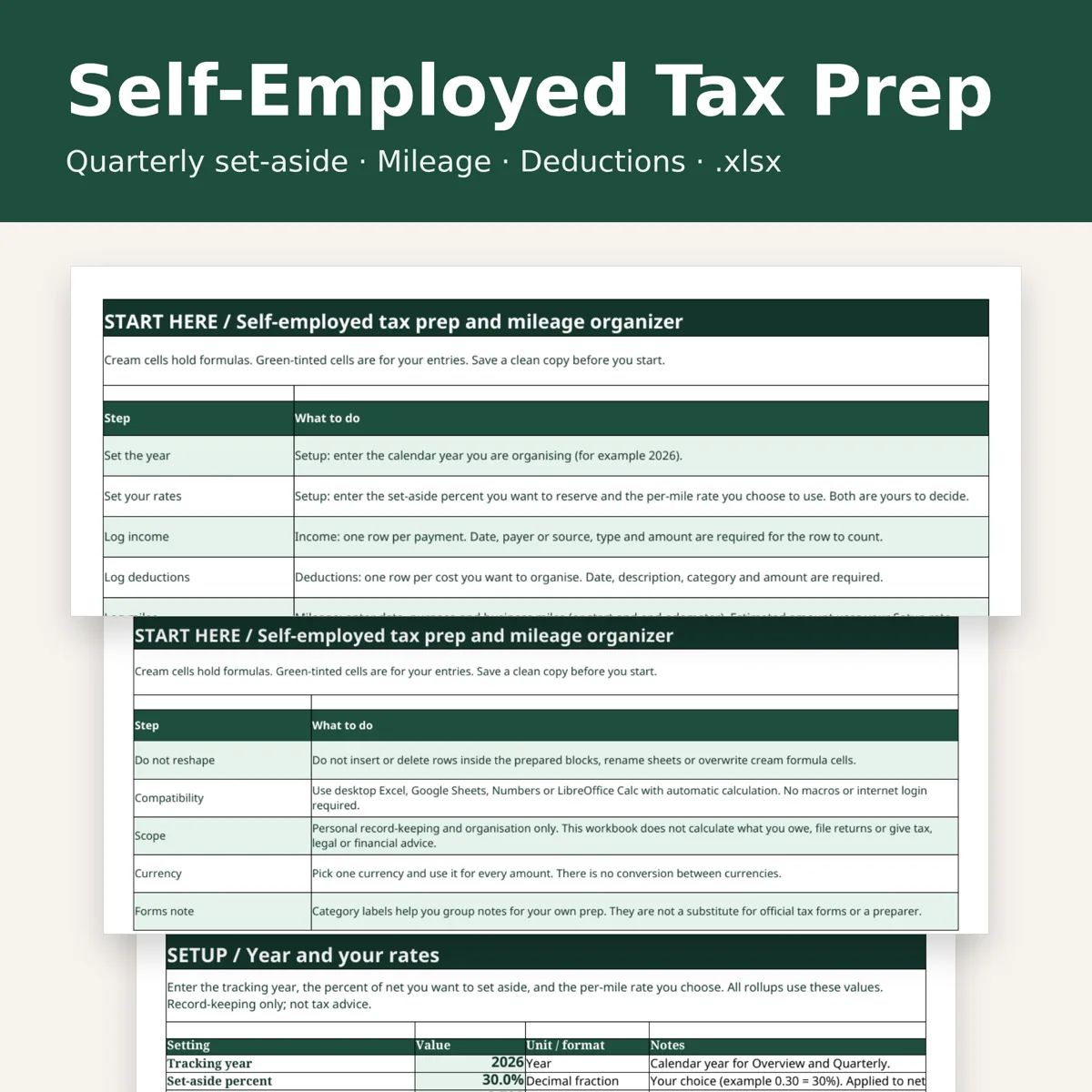
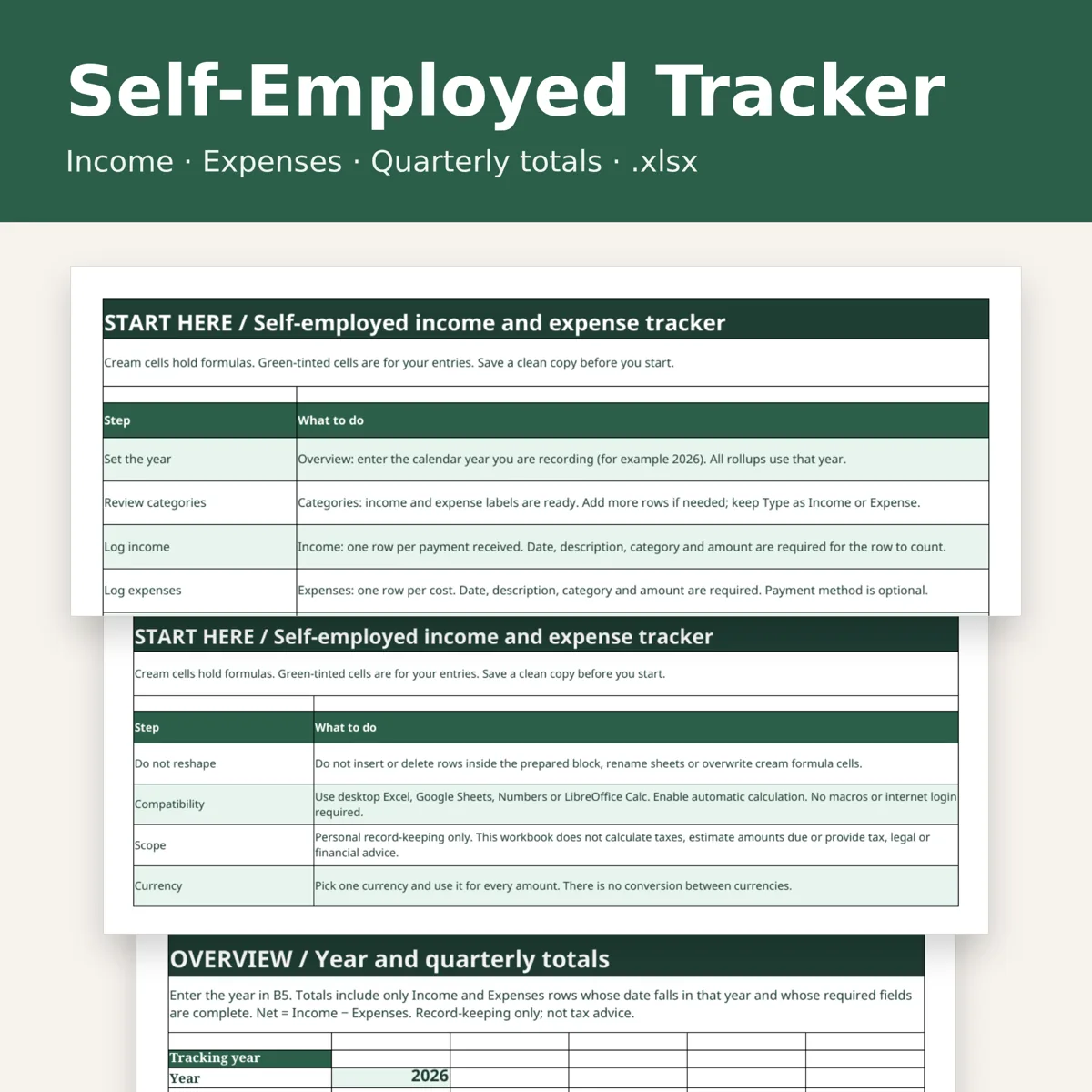
THE SPREADSHEET (10 tabs) Start Here, Setup, Installments, Payments, Quarter Totals, Tax Savings, Checklist, Year Summary, Worked Example and Lists. - Installments: up to 4 agencies x 4 installments. Enter each due date and the amount you plan to pay; paid so far, remaining, days until due, last payment date and confirmation number fill in from your payment log. Status reads Upcoming, Due soon, Past due date, Partly paid or Paid. - Payments: room for 100 payments. Date, agency, installment, amount, method, confirmation number, account paid from and whether the receipt is saved. Each row shows whether it was paid early, on or after your due date, and flags missing details. - Quarter Totals: enter monthly income and business expense totals; quarterly and year-to-date net calculate for you. - Tax Savings: log deposits to a separate tax savings account; payments made from it are subtracted automatically, and the balance is compared with what you still plan to pay. - Checklist: six steps for each installment. - Year Summary: one printable page for your records or your tax preparer, with planned and paid per agency and per installment, payment counts, and missing confirmation numbers or receipts. - Worked Example: fictional figures, kept apart from your live sheets.
THE PRINTABLE (9 pages) Cover and how-to, year at a glance, one page for each installment (month totals, payments per agency, checklist), payment log, tax savings ledger and year-end summary.
What it does not do
It does not calculate tax, apply tax rates, tell you what you owe or what to pay, or file anything. You enter the amounts: from your own worksheet, your agency's voucher or notice, or your tax professional. You enter the due dates from your agency's published schedule. Record-keeping only; not tax, legal or financial advice.
Compatibility
Opens in desktop Excel, Google Sheets and LibreOffice Calc. No macros and no online account. One tax year per copy; save a fresh copy each year. Choose one currency and use it throughout; there is no conversion.
Personal or single-business use; do not resell or redistribute the files. Designed by seller.
Designed by OEFR Digital with AI assistance. Every formula and page is checked before listing.
Designed by OEFR Digital with AI assistance. Every formula and page is checked before listing.